
![💻 JamzDarkWeb - Pack, Ship & Profit [QB-Core | QBox]](https://dunb17ur4ymx4.cloudfront.net/packages/images/a5cf077401bc98d7dad90b4e3f1a796f498d81e0.png)
JamzDarkWeb - Pack, Ship & Profit [QB-Core | Qbox] is a dark web
marketplace system for QB-Core & QBox servers. 🖥️
Players can list, pack, and ship orders through a sleek terminal-style interface⚡
Perfect for RolePlay Servers looking for immersive criminal jobs with
dynamic risk-reward gameplay.
✨ Features
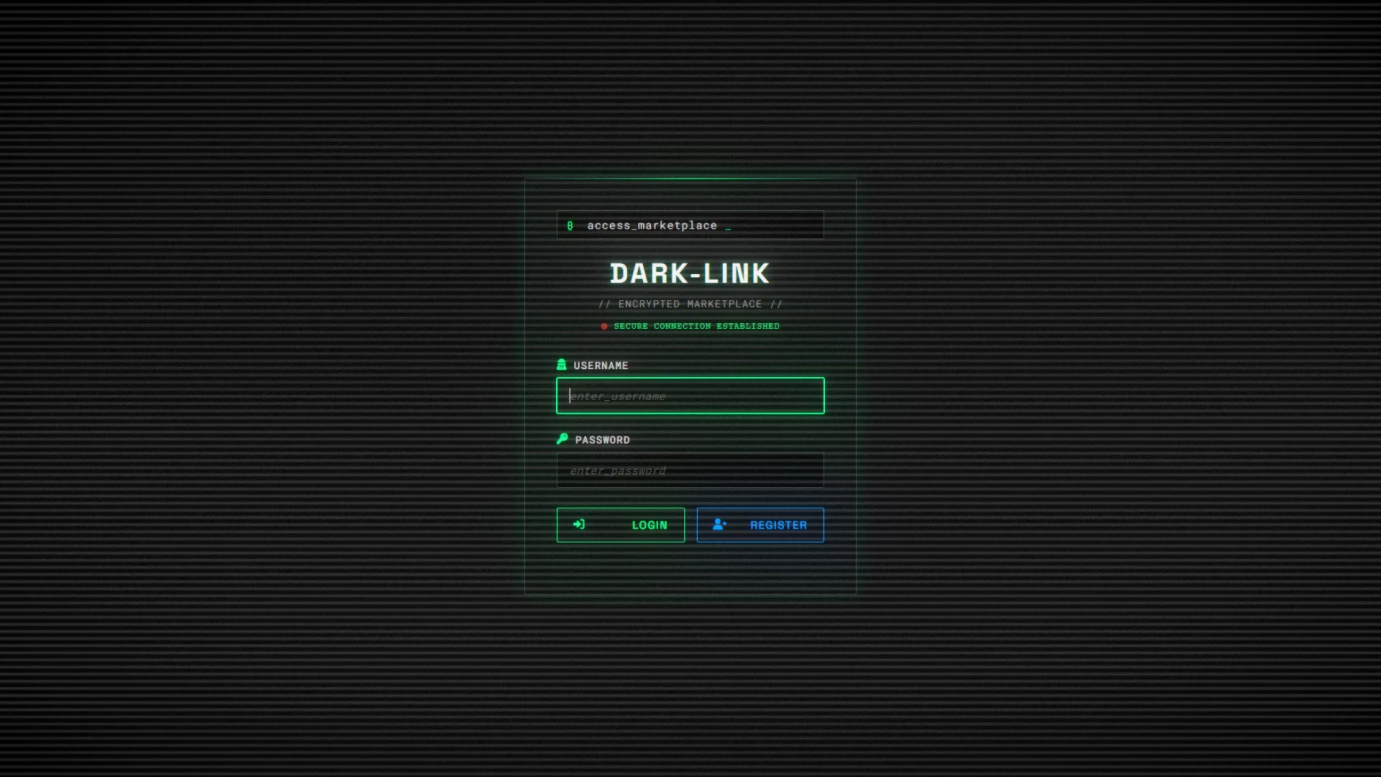
💻 Dark Web Marketplace Interface
Players access a fully functional dark web marketplace through a laptop item.
Features a sleek-styled UI with secure login/registration system and
real-time balance tracking.
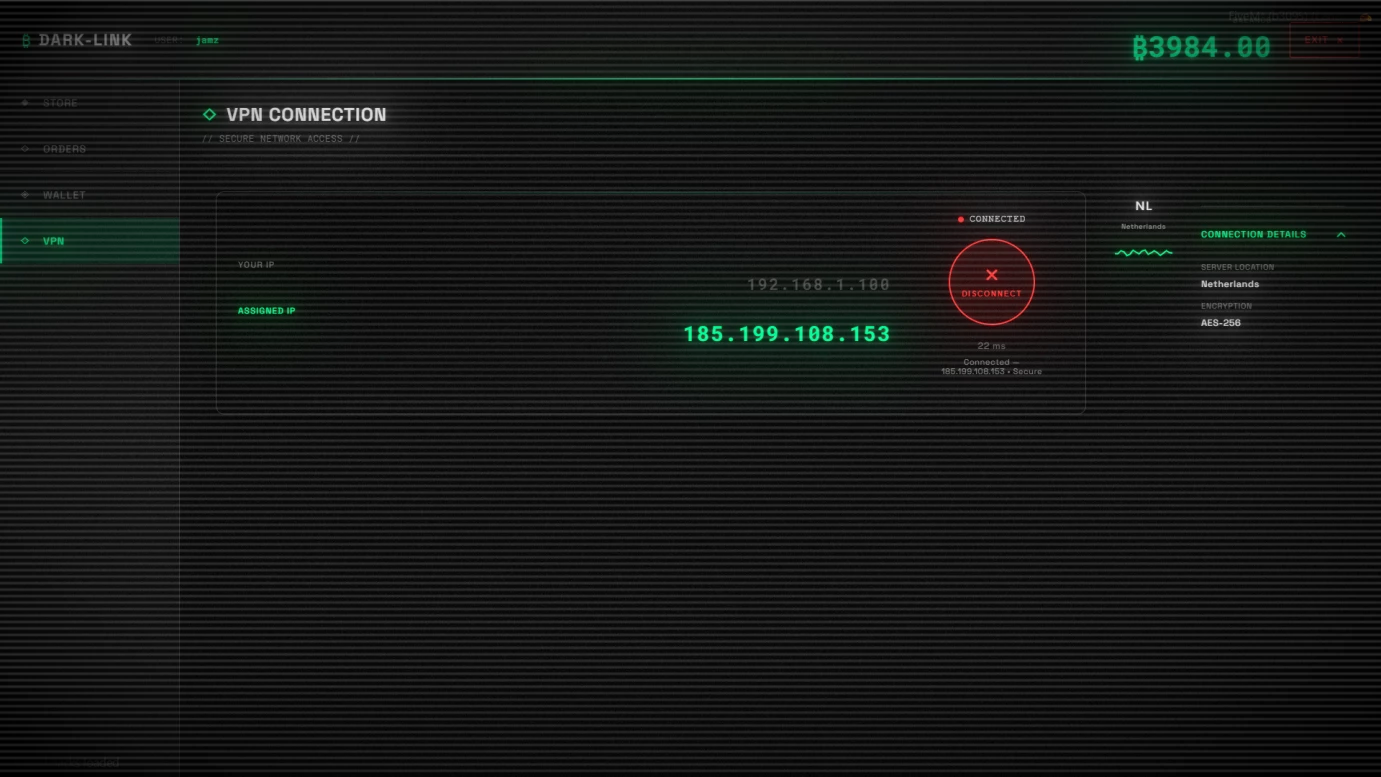
🔐 VPN Security System
Buil in VPN connection system that players must activate to avoid police alerts
Automatic timer system triggers police alerts if players access the marketplace
without VPN protection.
🏪 Dynamic Store Management
Players can list items for sale with customizable pricing
and inventory management
Real-time store status tracking with visual indicators for active listings.
📦 Advanced Packaging System
Three-tier packaging system with different risk levels:
Standard 35% interception, Secure 15% interception
and Discrete (5% interception) Each requires specific
materials and affects delivery success rates.
🚚 Multi-Tier Shipping System
Three delivery options with varying costs, waiting times, and risks: Post OP
(cheapest, highest risk, longest), GoPostal (medium), and Private Delivery
(most expensive, lowest risk, quickest).
Each has different dispatch alert probabilities.
🎯 Random Order Generation
Automated system generates random orders from anonymous buyers for
players' listed items. Orders include random addresses, quantities, and delivery
requirements with configurable timing intervals.
🚨 Police Decryption Device
Law enforcement can use a special device to scan
nearby players and decrypt their
marketplace data. Reveals player information, balance, and selling items with
progress-based scanning.
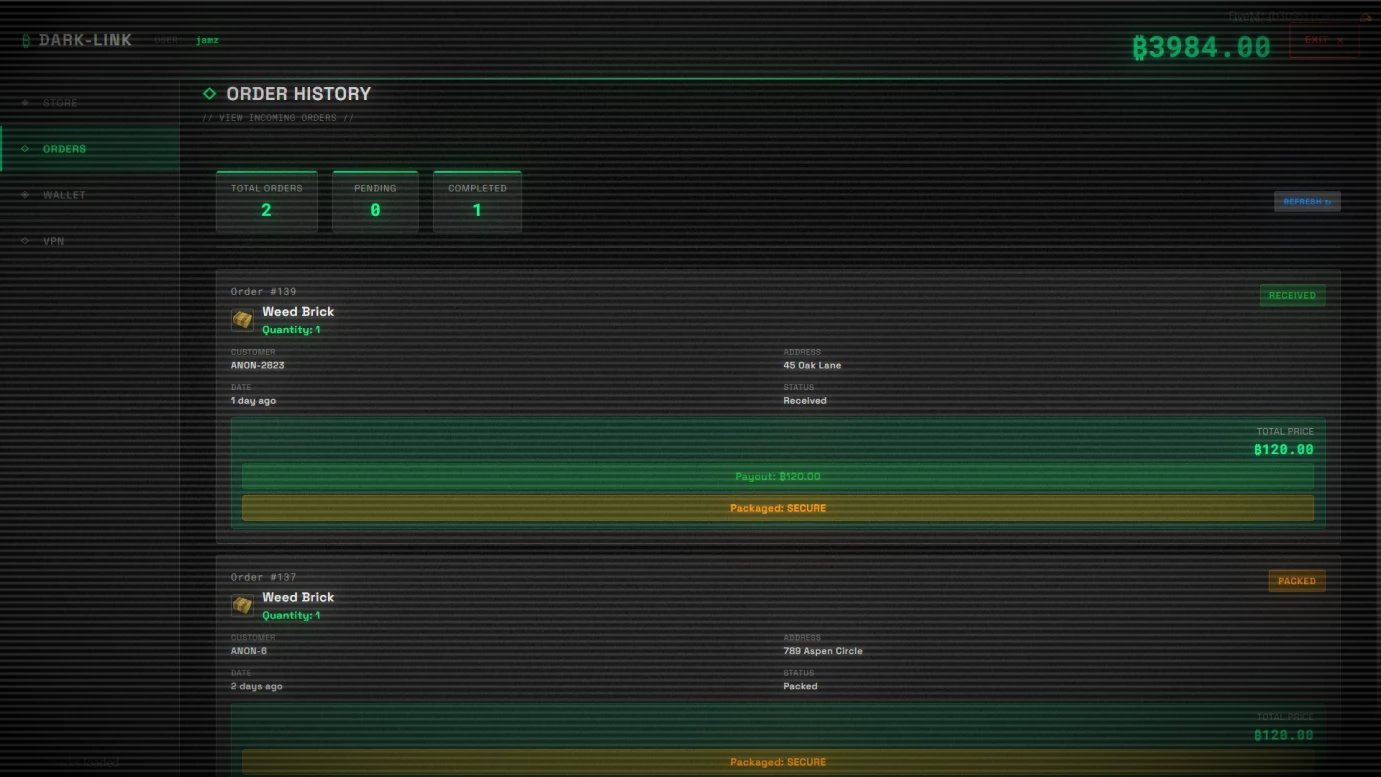
📊 Comprehensive Order Management
Full order lifecycle tracking from request to delivery. Players can pack, ship,
and track orders with real-time status updates and delivery notifications.
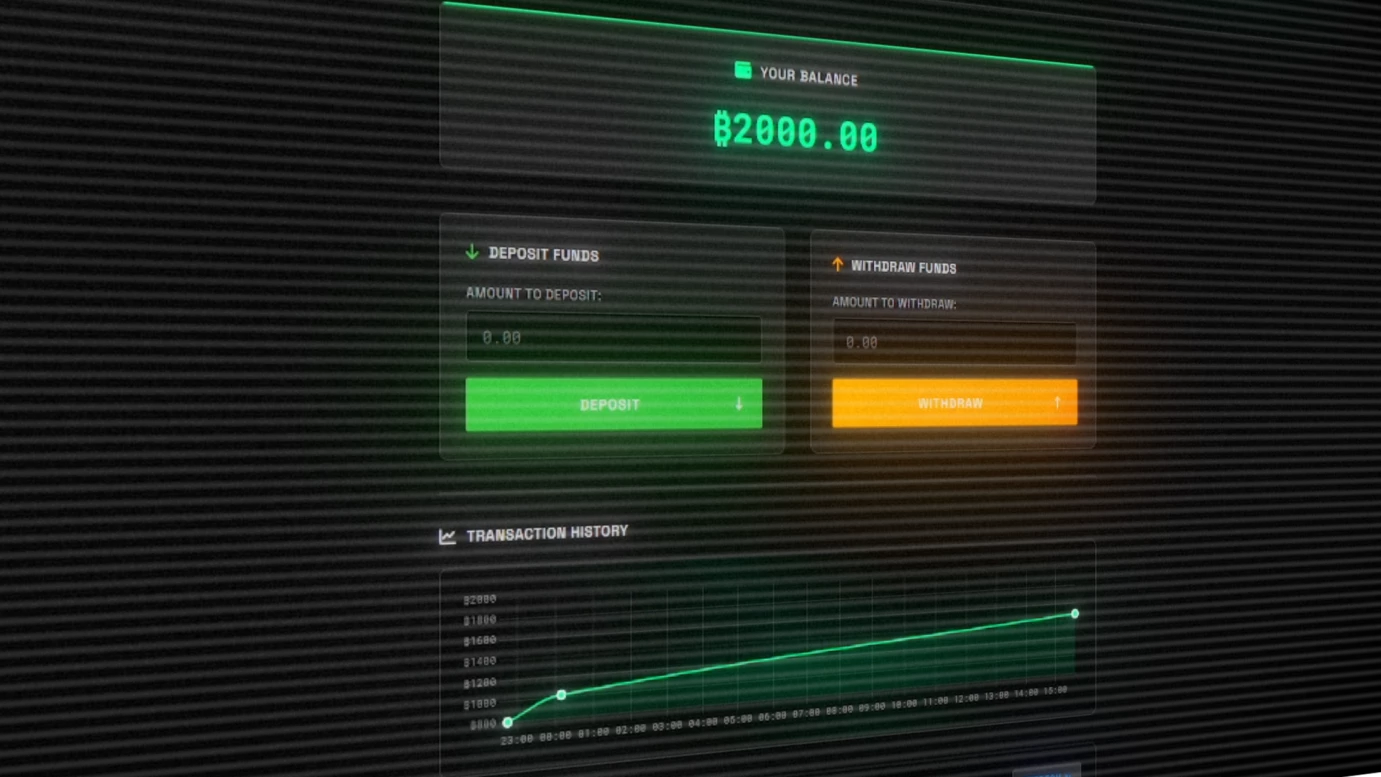
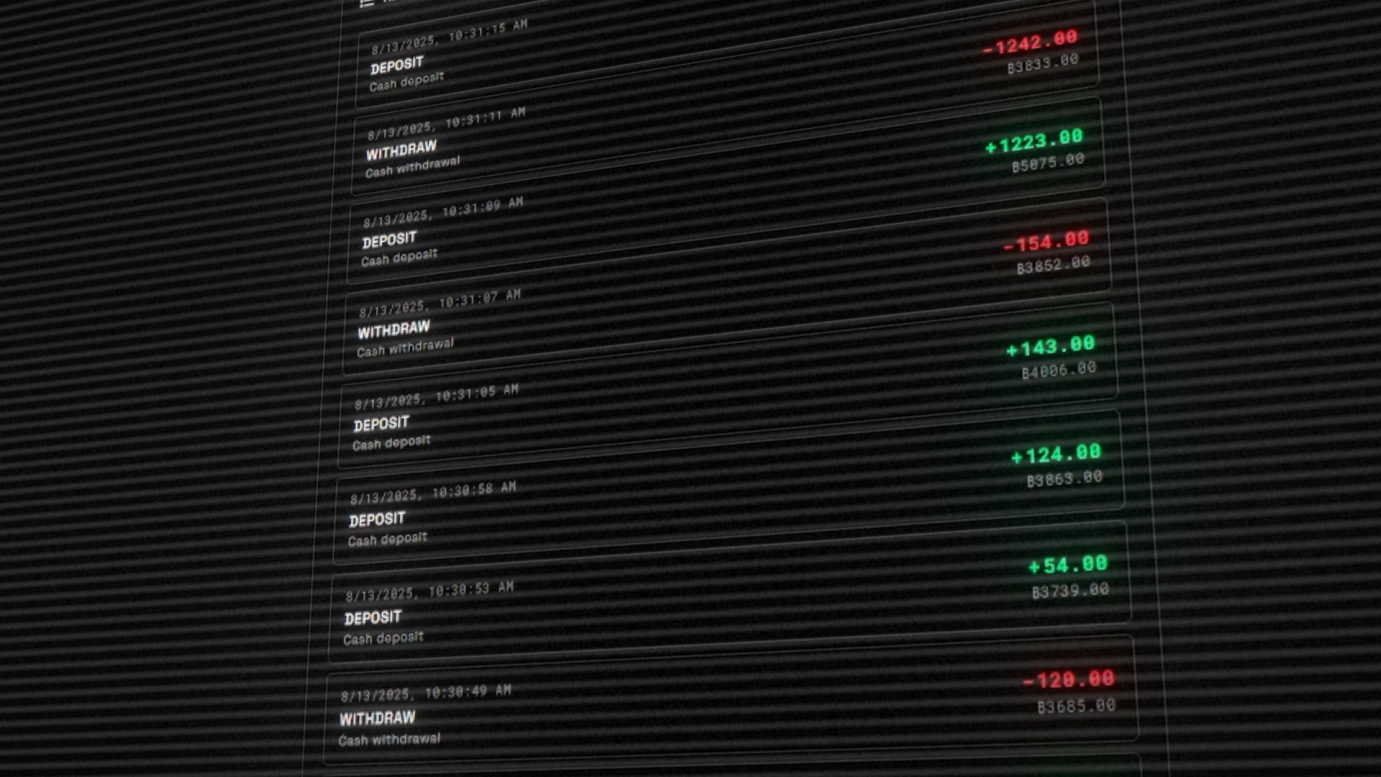
💰 Integrated Wallet System
Built-in marketplace wallet with deposit/withdrawal functionality and complete
transaction history tracking. All financial operations are logged and persistent.
🎮 Interactive Shipping Locations
Physical postbox interactions using target systems. Players must visit specific
locations to ship their packaged orders with realistic progress animations.
📈 Real-Time Notifications
Live order notifications, balance updates, and system alerts. Players receive
immediate feedback for all marketplace activities and police warnings.
🛡️ Police Interception System
Advanced package interception mechanics with delayed revelation system.
Intercepted orders are revealed after configurable time delays, adding suspense
and realism.
🔍 Dispatch Integration
Seamless integration with ps-dispatch and cd_dispatch systems for police alerts.
Automatic coordinate-based alerts when players ship packages
or access marketplace without VPN.
📋 Persistent Data Storage
Complete MySQL database system storing user accounts, orders, transactions,
and police records. All data persists across server restarts with proper indexing.
🎨 Modern UI/UX Design
Modern themed interface with smooth animations, real-time updates,
and intuitive navigation. Features dark mode aesthetics with terminal-style
elements and professional styling.
🛠️ Customization
💻 Configure Required Items
Set the item names for the laptop and police decryption device. Change these to match your server's item names.
Config.LaptopItem = "laptop"
Config.DecryptItem = "digital_forensics_device"
🛍️ Add Custom Store Items
Add new items by editing Config.StoreItems. Each item needs a name, label, price, and image:
Config.StoreItems = {
  { name = "weed_whitewidow", label = "Weed White Widow", price = 10, image = "weed_baggy.png" },
  { name = "weed_purplehaze", label = "Weed Purple Haze", price = 15, image = "weed_baggy.png" },
  { name = "weed_brick", label = "Weed Brick", price = 120, image = "weed_brick.png" },
  { name = "cokebaggy", label = "Coke Bag", price = 150, image = "cocaine_baggy.png" },
  { name = "coke_brick", label = "Coke Brick", price = 1200, image = "coke_brick.png" },
  { name = "meth", label = "Meth", price = 400, image = "meth_baggy.png" },
  { name = "crack_baggy", label = "Crack Bag", price = 400, image = "crack_baggy.png" },
  { name = "xtcbaggy", label = "XTC Bag", price = 400, image = "xtc_baggy.png" },
}
📋 Set Packaging Requirements
Configure what materials are needed for each packaging type. Modify quantities and add new materials as needed.
Config.PackagingRequirements = {
  standard = { box = 1, tape = 1, label = 1 },
  secure   = { box = 1, tape = 1, bubblewrap = 1, label = 1 },
  discrete = { discrete_envelope = 1, tape = 1, label = 1 }
}
🚚 Configure Delivery Types
Customize the three delivery options with different prices, risks, and dispatch chances. Add new delivery types or modify existing ones.
Config.DeliveryTypes = {
  postop = {
    name = "Post OP",
    description = "Lowest cost, highest risk",
    price = 50,
    risk = "High",
    dispatchChance = 0.35
  },
  gopostal = {
    name = "GoPostal",
    description = "Medium cost, low risk",
    price = 100,
    risk = "Low",
    dispatchChance = 0.15
  },
  private = {
    name = "Private Delivery",
    description = "Highest cost, minimal risk",
    price = 200,
    risk = "Minimal",
    dispatchChance = 0.05
  }
}
⏰ Adjust Order Generation Timing
Control how frequently random orders are generated and the delays between them. All times are in seconds.
Config.OrderMinDelay = 300
Config.OrderMaxDelay = 1200
Config.OrderCheckInterval = 60
Config.MaxActiveOrdersPerPlayer = 5
🕐 Set Delivery Completion Times
Configure how long each delivery type takes to complete. Times are in seconds with min/max ranges for randomization.
Config.DeliveryDelays = {
  ["postop"] = {min = 900, max = 1200},
  ["gopostal"] = {min = 600, max = 900},
  ["private"] = {min = 300, max = 600},
}
👮 Customize Police Decryption Settings
Adjust the police decryption device behavior including scan radius, decryption time, and alert timing.
Config.TargetRadius = 3.0
Config.DecryptTime = 40
Config.AlertDecrypt = 20
🚨 Configure Interception Chances
Set the probability of package interception for each packaging type. Higher percentages mean more risk.
Config.InterceptionChances = {
  standard = 35,
  secure = 15,
  discrete = 5
}
⏱️ Set Interception Delay System
Control the delayed revelation system for intercepted packages. Disable or adjust timing as needed.
Config.InterceptionDelay = {
  enabled = true,
  minDelay = 30,
  maxDelay = 120,
  checkInterval = 10
}
👁️ Configure Target System
Choose between ox_target and qb-target for shipping interactions and customize target models.
Config.Shipping = {
  TargetSystem = "ox_target",
  TargetModels = {
    "prop_postbox_01a",
  },
  TargetSettings = {
    distance = 2.0,
    icon = "fa-solid fa-box"
  }
}
👮 Set Police Job Names
Configure which job names are considered police for the decryption device and dispatch alerts.
Config.Dispatch = {
  policeJobs = {"police", "sheriff", "bcso"},
  enabled = true,
  debug = true
}
🏚️ Add Custom Order Addresses
Expand the list of addresses used for random order generation. Add your own street names and locations.
Config.OrderAddresses = {
  "12 Pine Street",
  "45 Oak Lane",
  "78 Maple Avenue",
  "123 Elm Street",
  "256 Birch Road",
  "89 Cedar Drive",
  "167 Spruce Way",
  "34 Willow Court",
  "456 Redwood Boulevard",
  "789 Aspen Circle",
}
🔐 Configure VPN Alert Timer
Set how long players have to connect VPN before triggering police alerts. Time is in seconds.
Config.NoVPNAlertTime = 60
🔧 Dependencies
Core Framework ( Choose One )
QB-Core > Required for the script to function
QBox > Required for the script to function
💾 Oxmysql
Handles database saving and retrieval.
🎒 Inventory System
You must use one of the following:
- QB-Inventory – Required for item handling and management.
- OX-Inventory – Required for item handling and management.
🎯 Target System
You must have one of the following installed:
- 🔵 ox_target
- 🔴 qb-target
📦 Ox_Lib
🔗 https://github.com/overextended/ox_lib
🚨 Dispatch System
You must have one of the following installed:
- 🔵 ps-dispatch
- 🔴 cd_dispatch